I Built a Chrome Extension to Control Apollo Client Cache
Článek od našeho FE DEV MARTINA
Edge case, jiný enum, null field nebo změna v GraphQL schématu obvykle znamenaly hackovat data na backendu, psát dočasný kód do aplikace nebo ručně manipulovat s cache. Tak jsem si zkusil postavit malý nástroj přes vibe coding s Claudem. Výsledkem je Apollo Cache Manager – Chrome DevTools extension pro práci s Apollo cache během vývoje.
V článku popisuju proč vznikl a jak funguje
If you work with Apollo Client long enough, you eventually hit the same wall. Not reading the cache. Controlling it.
I don’t struggle with understanding what Apollo is doing. I struggle when I want the cache to be in a very specific state — right now — without touching backend data or modifying source code.
Sometimes I just want:
- a list with 50 items
- one field to be
null - an enum to have a different value
- a relationship to be missing
- a strange edge case that’s hard to reproduce
You can do all of this with Apollo. But the workflow is clunky. So I built a tool for it. It’s called Apollo Cache Manager.
The Problem
Apollo’s normalized cache is powerful. It keeps your UI fast and consistent. It deduplicates entities and prevents unnecessary requests.
But when you want to intentionally shape the cache during development, the friction shows up quickly.
To test a single UI state, you often have to:
- recreate backend data
- trigger specific sequences of queries and mutations
- write
cache.writeFragmentmanually - inject temporary debugging code
All of that works.
But it slows down iteration.
And once you finally get the cache into the state you need?
You refresh the page — and it’s gone.
What Apollo Cache Manager Does
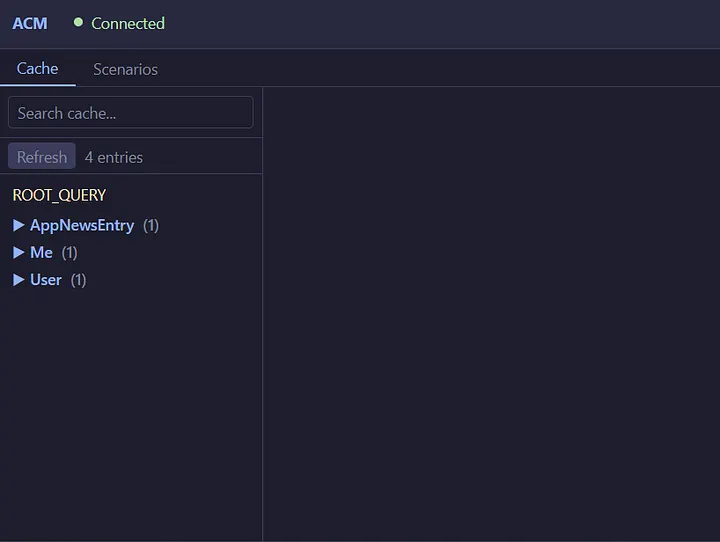
Apollo Cache Manager adds a dedicated Apollo Cache Manager tab to Chrome DevTools.
When opened on a page that uses Apollo Client, it automatically detects the client instance and gives you full visibility and control over its cache.
The extension focuses on three things:
- Inspecting clearly
- Editing safely
- Saving reusable states
Inspect the Cache Without Fighting It
The Cache tab uses a clean three-column layout:
- Left: searchable list of cache entities
- Center: entity detail
- Right: draft panel and actions
You can:
- search through the cache
- expand nested objects
- follow references with a click
- switch between structured Form view and raw JSON view
Form view makes data readable and structured.
JSON view gives you full control when you need precision.
The goal is simple: understand what’s in memory without digging through a flat key-value blob.
Edit Mode and Drafts
This is where the extension becomes truly useful.
Instead of writing directly into the Apollo cache, you toggle Edit mode.
All modifications go into a Draft panel first.
You can:
- modify multiple entities
- switch between them
- remove individual draft entries
- discard everything
- review changes before applying
Nothing touches the actual cache until you click Apply draft.
When you do, the extension writes changes into Apollo Client’s cache, and your UI reacts immediately — just like real server data.
This makes experimentation safe.
You can shape application state without modifying source code or backend responses.
Work With Your Own GraphQL Schema
The extension can automatically detect and introspect the GraphQL schema used by your application.
But you’re not limited to that.
You can also upload your own .graphql schema file directly into the extension.
That means you can:
- experiment with alternative schema designs
- prototype new fields or types
- simulate future backend changes
- define an “ideal” schema before it even exists
Instead of waiting for backend updates, you can model and test ideas locally. It becomes a fast playground for evolving your schema and seeing how your UI would behave.
Scenarios
Once you prepare a useful cache state, you can save it as a Scenario.
A Scenario is simply a named draft state.
You can:
- save it
- apply it later
- export it as JSON
- import scenarios from others
Applying a scenario loads its data into Draft first — so you’re still in control before anything is written.
Scenarios are especially useful for:
- repeated edge-case testing
- reproducing bugs
- sharing specific UI states with teammates
- preparing demo setups
Instead of recreating complex states manually, you apply them instantly.
How It Works (Briefly)
The extension attaches to a running Apollo Client instance directly in the browser.
Because Chrome extensions operate in isolated environments, Apollo Cache Manager injects a small bridge script into the page so it can access the same JavaScript context as your app.
Through that bridge, it can:
- read cache contents
- write data into the cache
- evict records
- detect the active GraphQL schema
All interactions happen locally in your browser and only while DevTools are open.
Nothing is sent anywhere.
The extension doesn’t replace Apollo DevTools. It complements them — focusing specifically on actively shaping cache state during development.
Who This Is For
Apollo Cache Manager is useful if you:
- work daily with Apollo Client
- build UI heavily dependent on normalized cache state
- frequently test edge cases
- want faster feedback without backend coordination
It shortens the loop between:
“What if the cache looked like this?”
and
“Now I know.”
Built With AI
This project was developed with significant help from Claude.
The architecture, UI structure, draft system, and extension messaging were shaped through iterative collaboration.
It wasn’t a single generated output. It was an ongoing engineering process — refining, testing, discarding, improving.
AI-assisted development is becoming part of modern workflows. Being transparent about that feels natural.
Try It

Apollo Cache Manager is open source under the MIT license.
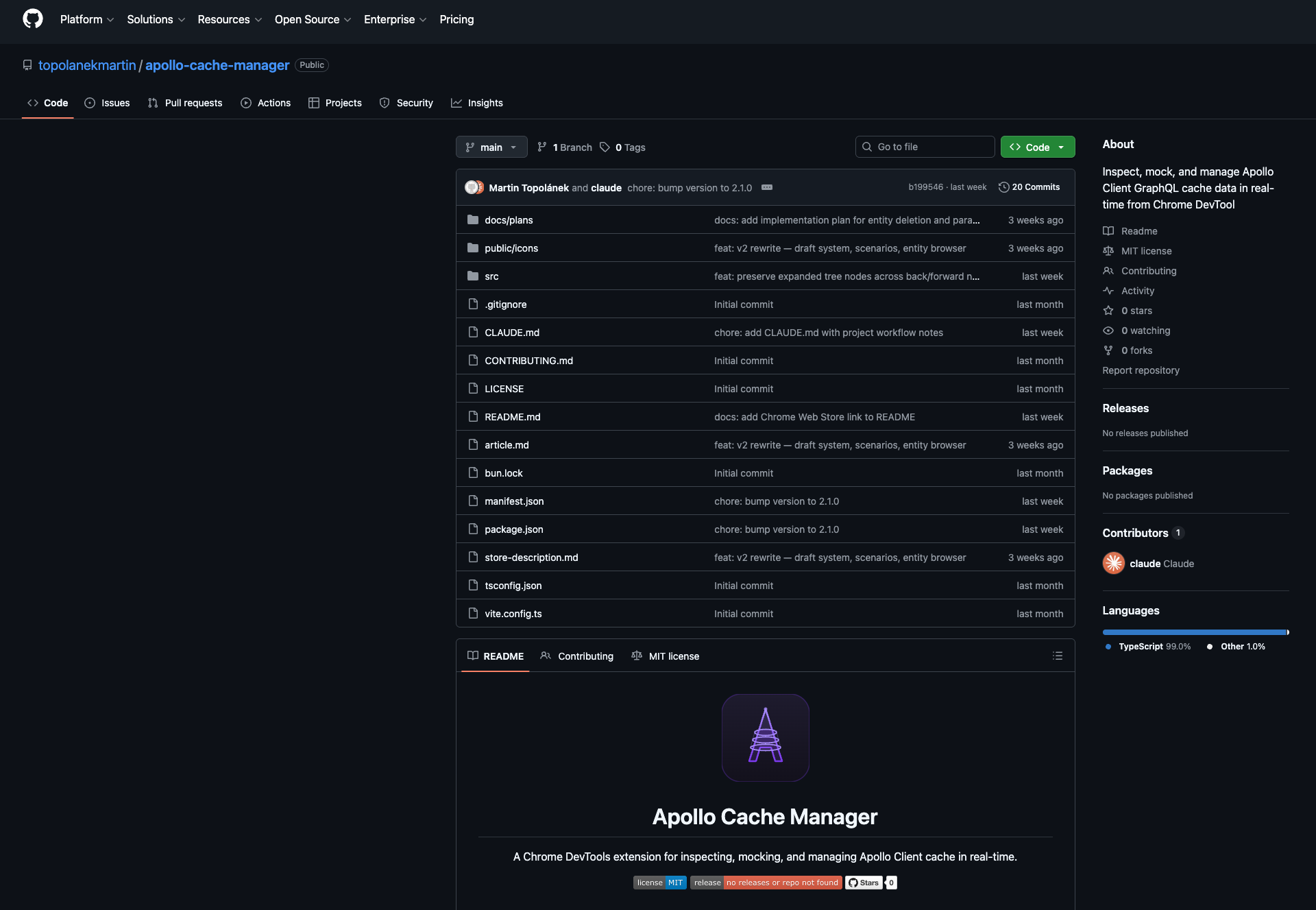
To run it locally:
- Clone the repository
- Run
bun install && bun run build - Load the
dist/folder as an unpacked extension in Chrome - Open DevTools on any page using Apollo Client
You’ll see the Apollo Cache Manager tab.